


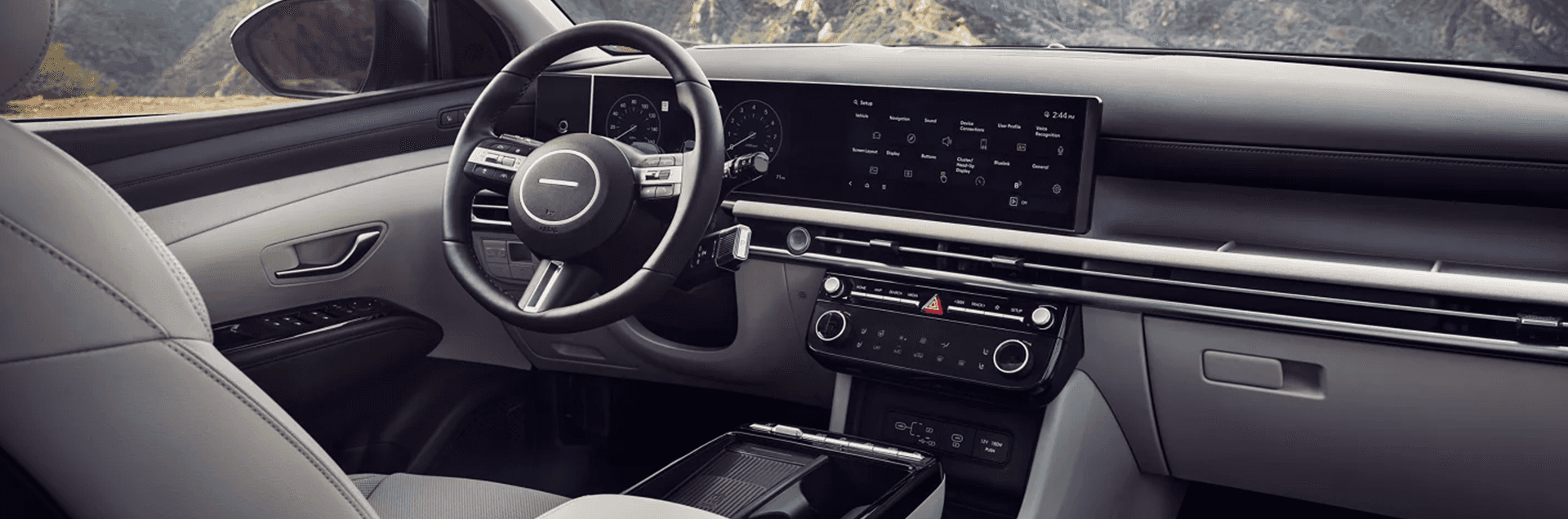
Explore 2026 Hyundai Tucson Technology
The 2026 Hyundai Tucson offers a connected cabin with available display upgrades, smartphone integration, and driver assistance features designed to support everyday driving. Use this page to review key technology highlights, including infotainment and connectivity, available premium tools, available parking and visibility aids, and driver assistance features.
Explore topics like an available 12.3 inch touchscreen system, wireless Apple CarPlay and wireless Android Auto compatibility, available Bluelink connected services, and available parking and visibility tools like Surround View Monitor and Blind Spot View Monitor. When you are ready, jump to Tucson inventory, book a test drive, or contact our team.
Displays and Connectivity Technology
Tucson offers a modern infotainment layout designed to keep navigation, media, and key vehicle information easy to access. Feature availability varies by trim and equipment.
12.3 Inch Touchscreen and Wireless Phone Integration
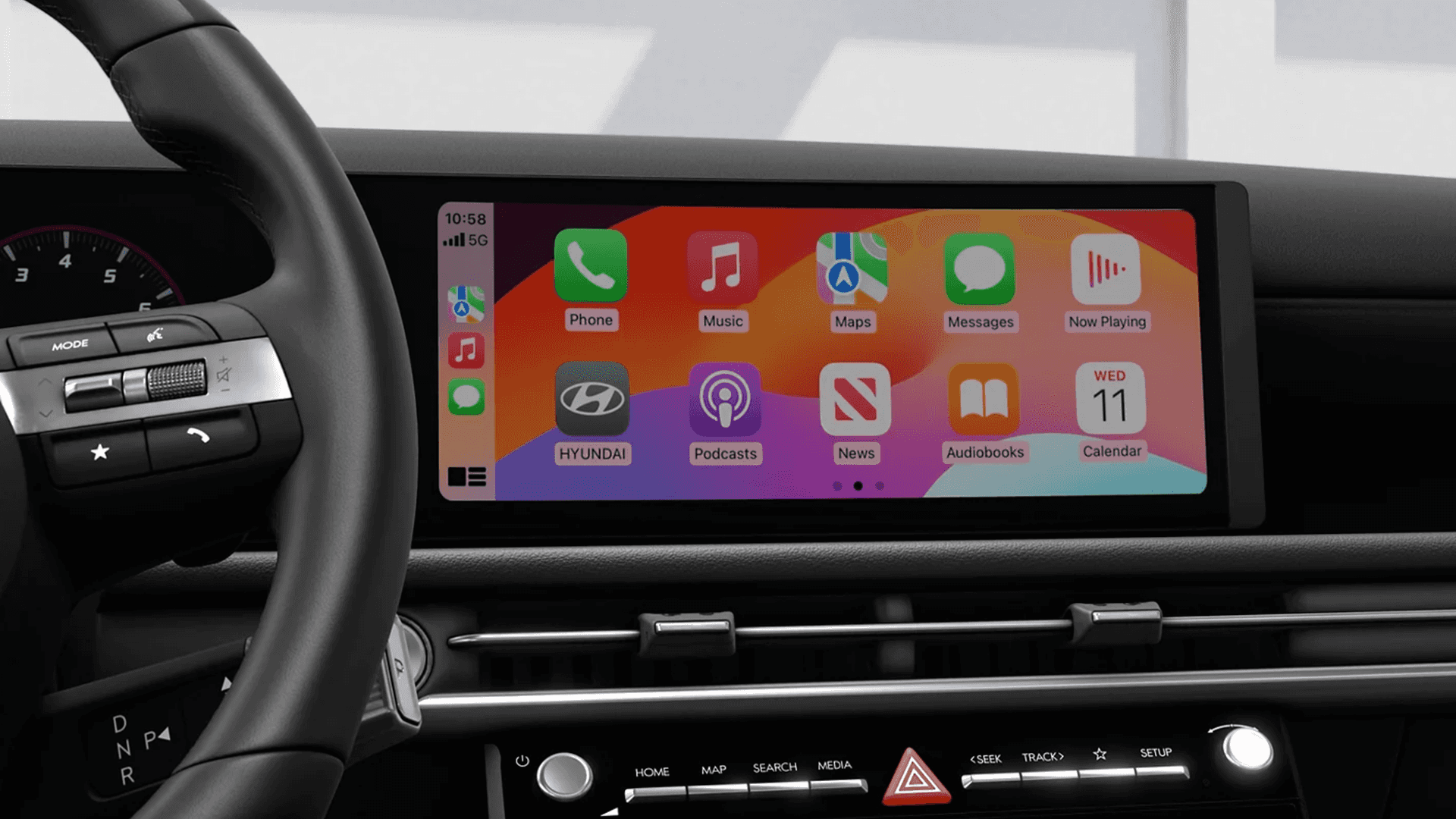
On equipped models, Tucson includes a 12.3 inch color touchscreen system designed to support everyday convenience, including wireless smartphone compatibility and available connected features.
Highlights to Look For:
- 12.3 inch color touchscreen display on equipped models
- Wireless Apple CarPlay and wireless Android Auto compatibility
- SiriusXM capability on equipped models
- Availability varies by trim and equipment
Connected Services and OTA Support
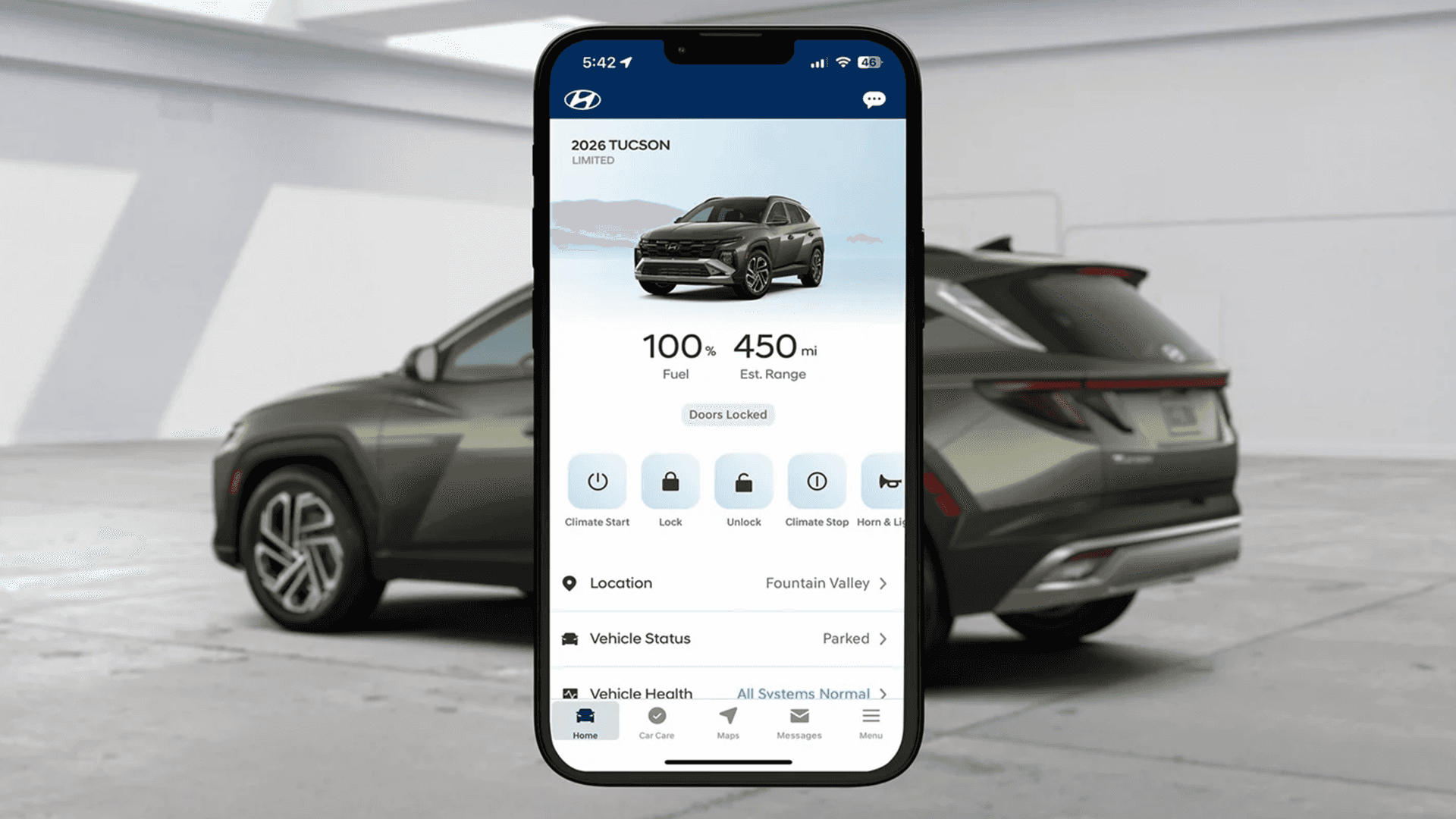
Tucson offers available Bluelink connected features designed to help you stay connected to your vehicle. Equipped models can also support controller OTA capability.
Available Bluelink Features
Depending on model and subscription status, Bluelink can support remote functions and safety focused services through the MyHyundai app.
- Remote Start with Climate Control on equipped models
- Remote door lock and unlock on equipped models
- Auto Emergency Assistance with SOS support
- Connected features depend on equipment, network availability, and account setup
Always follow MyHyundai and owner guidance for enrollment, feature use, and limitations.
Driver Assistance Technology
Tucson includes driver assistance features designed to support awareness and help with certain driving tasks. These features assist the driver and do not replace attentive driving.
Forward, Lane, and Highway Support Features
Equipped models can include a suite of features designed to help with lane guidance, forward collision support, and adaptive cruise assistance in certain conditions.
- Forward Collision Avoidance Assist with Pedestrian, Cyclist, and Junction Turning detection on equipped models
- Lane Following Assist and Lane Keeping Assist on equipped models
- Smart Cruise Control with Stop and Go on equipped models
- Feature operation depends on conditions and proper vehicle maintenance
Driver attention is required at all times. Always follow owner guidance and use only when conditions are safe.
Parking and Visibility Technology
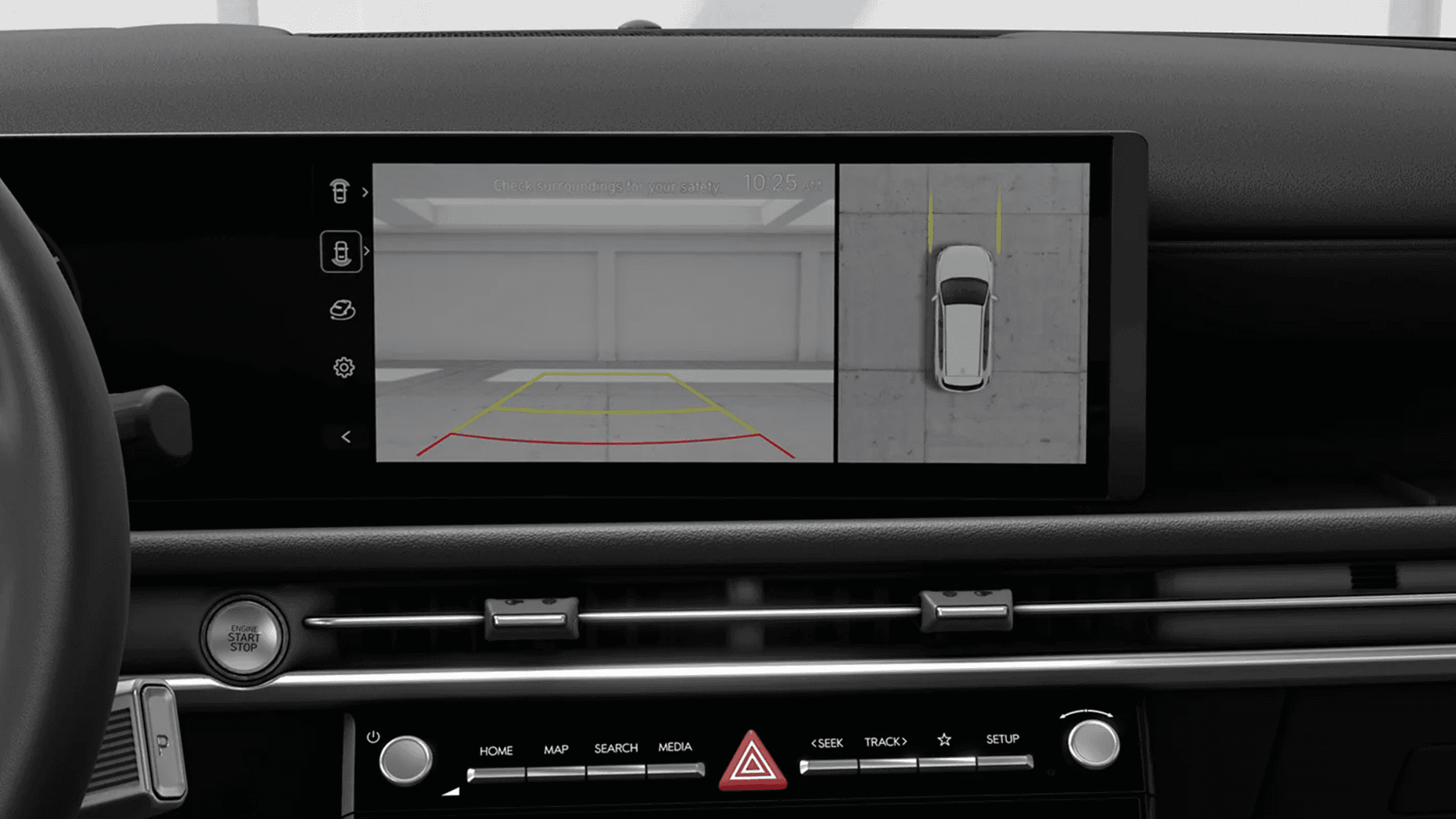
Tucson offers available camera and alert features designed to support awareness when maneuvering in tight spaces. Availability depends on trim and equipment.
Available Camera Views and Parking Support
- Rear View Monitor with Parking Guidance on equipped models
- Available Surround View Monitor for low speed maneuvering support
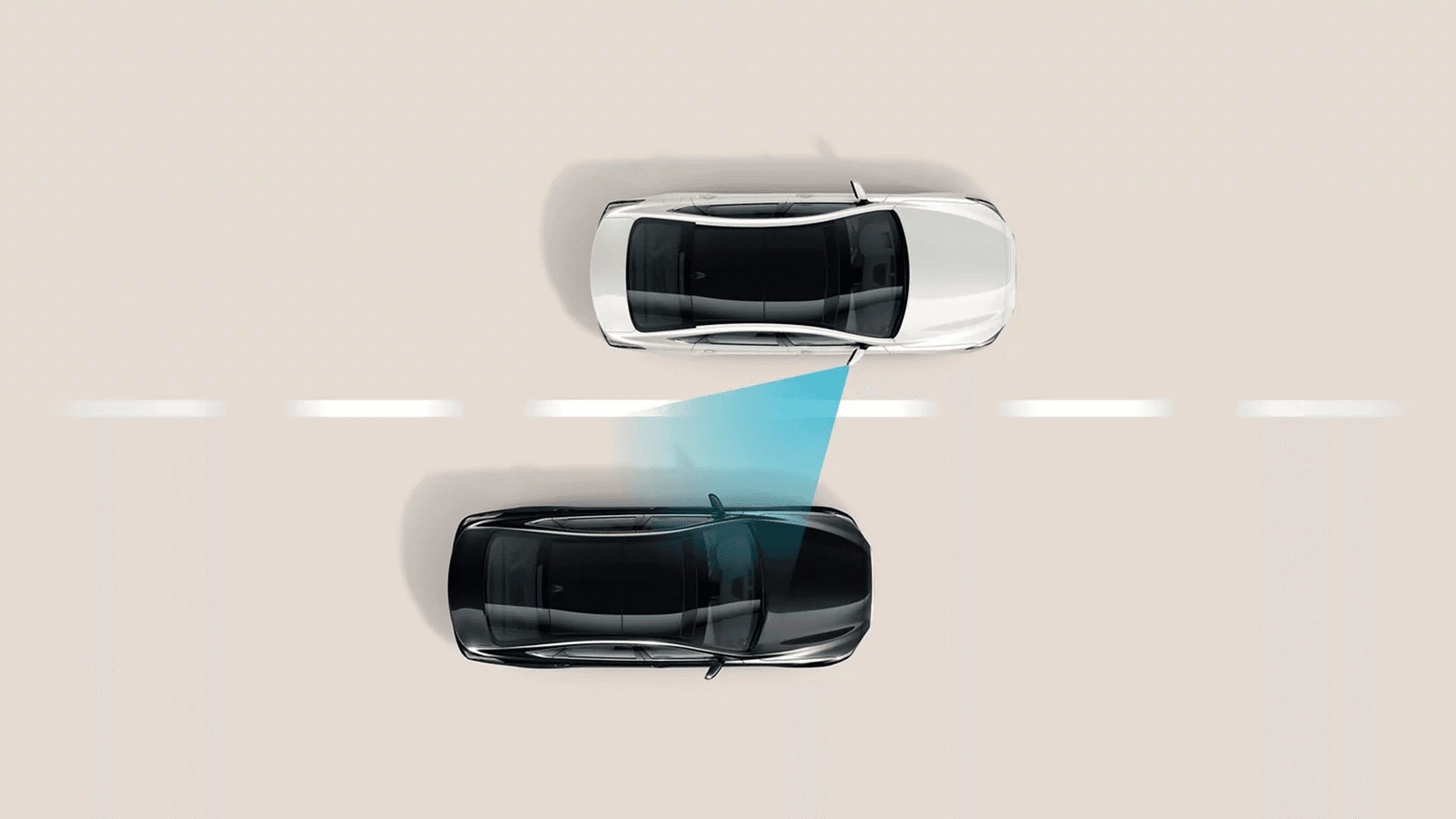
- Available Blind Spot View Monitor for added awareness during lane changes
- Availability varies by trim and equipment
Camera views do not replace checking your surroundings. Always use mirrors and look around the vehicle before moving.
Charging and Cabin Tech
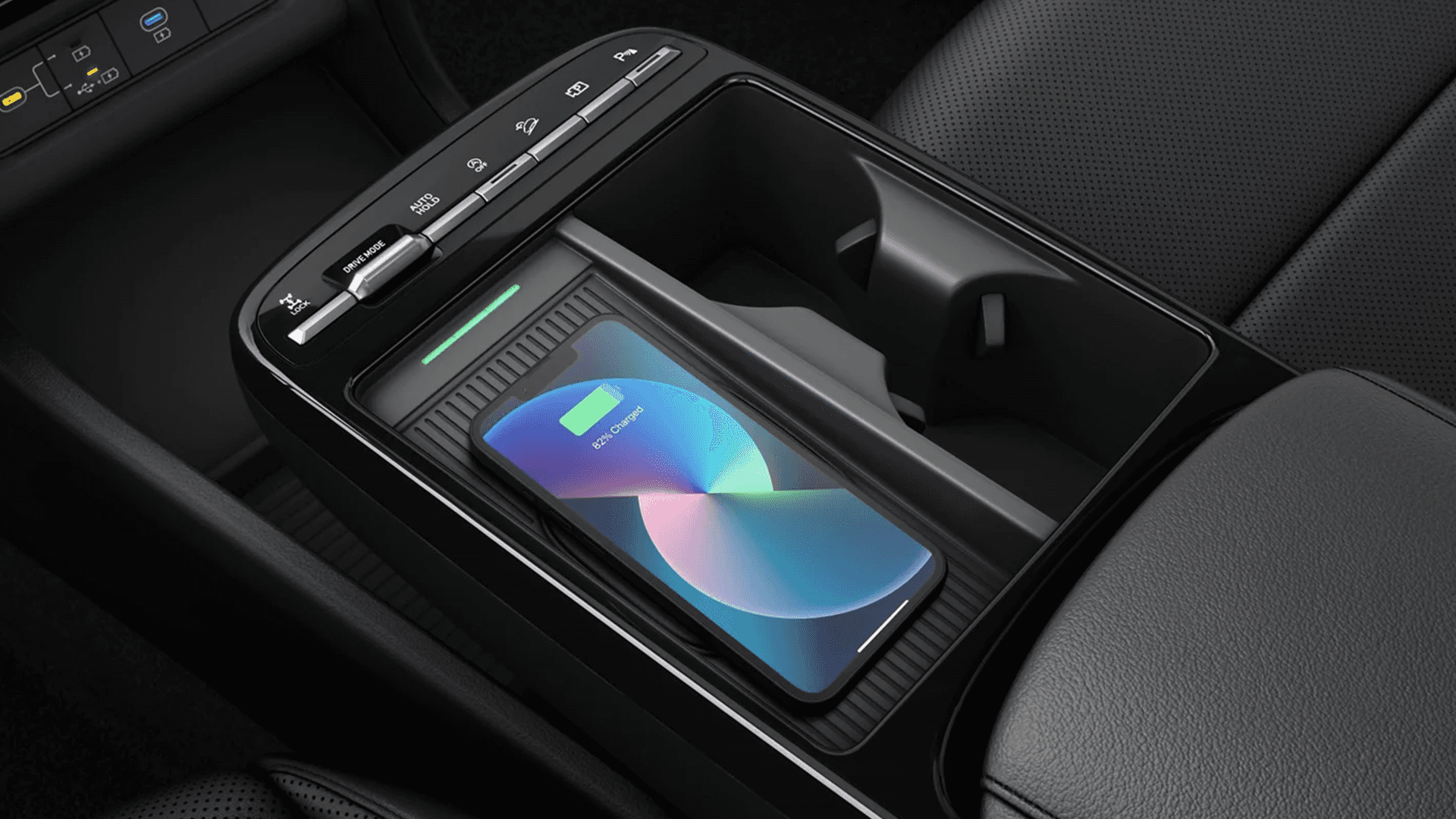
Tucson offers practical tech designed to support device charging and everyday cabin usability. Availability depends on trim and equipment.
USB C Power and Everyday Convenience
- USB Type C outlets on equipped models, including front and rear outlets
- Available wireless device charging on equipped models
- Proximity Key with Push Button Start on equipped models
- Availability varies by trim and equipment
Always follow safe use guidance. Do not interact with device features in a way that distracts from driving.
Available Premium Tech Features
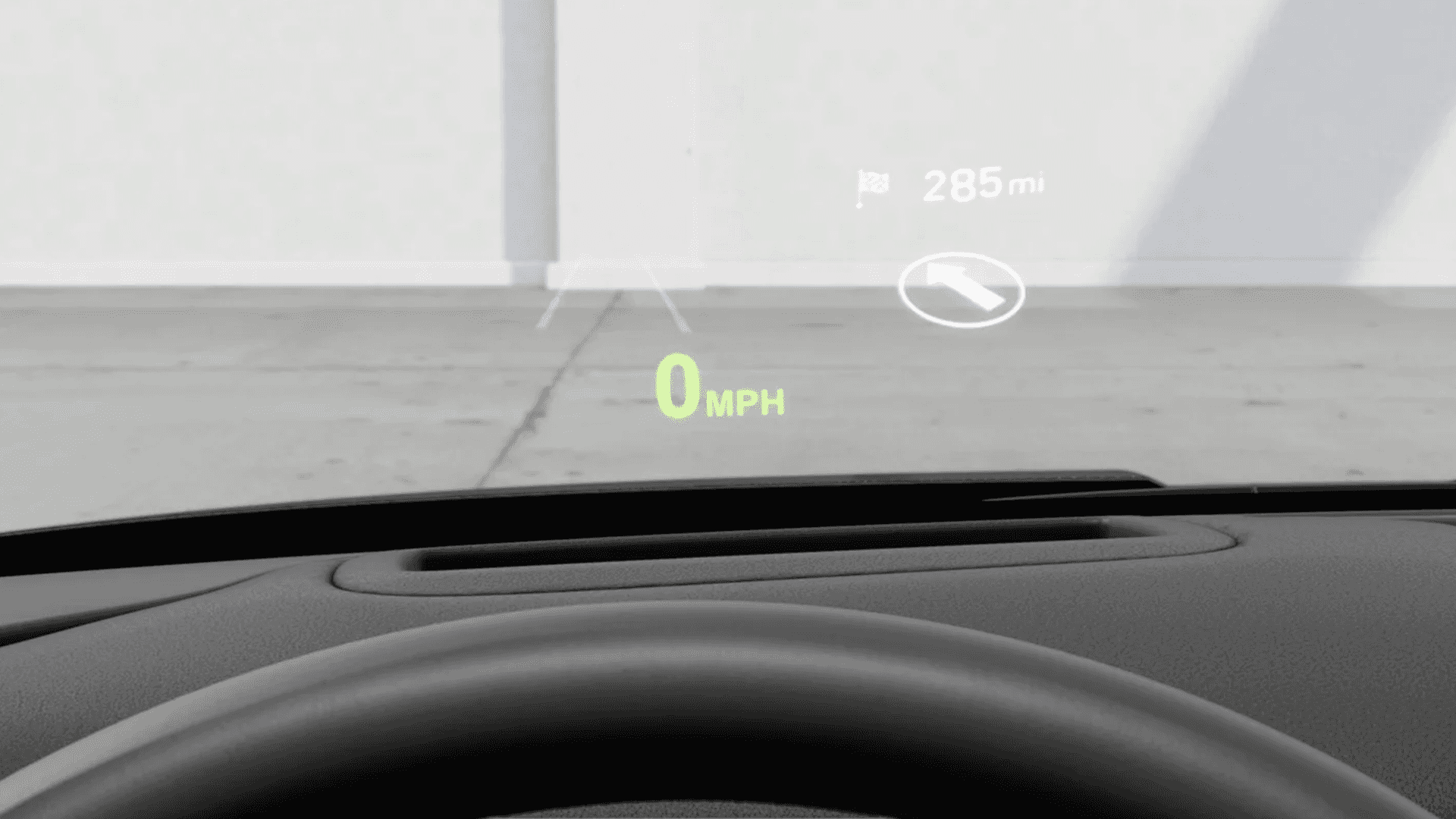
Higher trims can include premium technology designed to enhance convenience, audio, and parking support. Availability depends on trim and equipment.
Premium Tools You Can Shop For
- Available Head up Display on equipped models
- Available fingerprint scanner for supported functions on equipped models
- Available Bose premium audio system on equipped models
- Available Remote Smart Parking Assist on equipped models
Premium features vary by trim and equipment. Ask our team to help you compare Tucson trims and available packages.
Shop the 2026 Hyundai Tucson
Ready to experience the 2026 Hyundai Tucson? Visit Sid Dillon Hyundai in Lincoln, NE to explore our latest Tucson selection. Browse our new Tucson inventory to compare trims and features, then schedule a test drive to experience Tucson comfort and technology in person.
Contact Us
Have questions about this vehicle or want help comparing trims?
Contact our team and we will help you choose the right model for your needs.
Frequently Asked Questions
Does the 2026 Hyundai Tucson offer a 12.3 inch touchscreen display?
Yes. Tucson offers a 12.3 inch color touchscreen display on equipped models. Availability depends on trim and equipment.
Is wireless Apple CarPlay and wireless Android Auto available on the 2026 Hyundai Tucson?
Yes. Tucson offers wireless Apple CarPlay and wireless Android Auto compatibility on equipped models. Availability depends on trim and equipment.
Does the 2026 Hyundai Tucson offer Bluelink connected services?
Yes. Tucson offers Bluelink connected services on equipped models. Features depend on equipment, account setup, and network availability.
Is Smart Cruise Control with Stop and Go available on the 2026 Hyundai Tucson?
Yes. Tucson offers Smart Cruise Control with Stop and Go on equipped models. Availability depends on trim and equipment.
Does the 2026 Hyundai Tucson offer available Surround View Monitor and Blind Spot View Monitor?
Yes. Tucson offers available Surround View Monitor and available Blind Spot View Monitor on equipped models. Availability depends on trim and equipment.
Are a Head up Display, fingerprint scanner, and Remote Smart Parking Assist available on the 2026 Hyundai Tucson?
Yes. On equipped models, Tucson can offer an available Head up Display, an available fingerprint scanner for supported functions, and available Remote Smart Parking Assist. Availability depends on trim and equipment.
