


Explore 2026 Chevy Blazer Technology
The 2026 Chevy Blazer offers modern cabin tech, available connected services, and driver assistance features designed to support everyday driving. Use this page to explore key technology highlights, including infotainment, OnStar connected features, available in vehicle Wi Fi, driver assistance, and available convenience tools.
Review topics like the 10.2 inch diagonal HD touchscreen, available Wi Fi Hotspot capability, OnStar connected services, and driver assistance options like Chevy Safety Assist and the standard Driver Confidence Package. When you are ready, jump to Blazer inventory, book a test drive, or contact our team.
Displays and Infotainment Technology
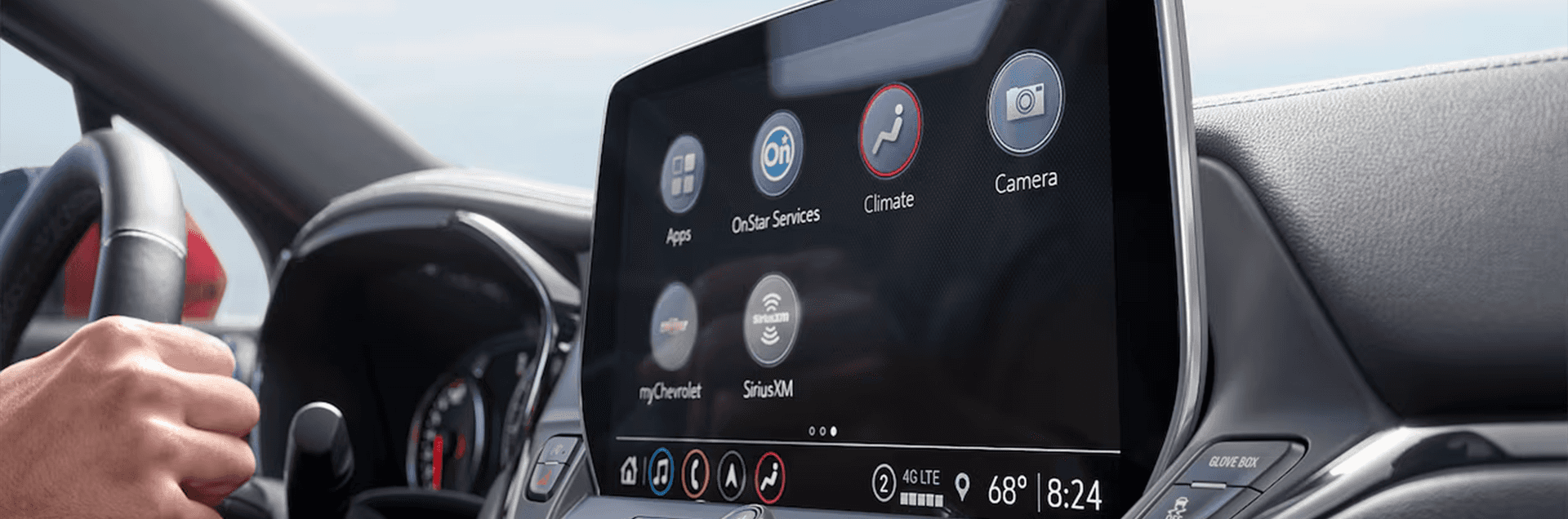
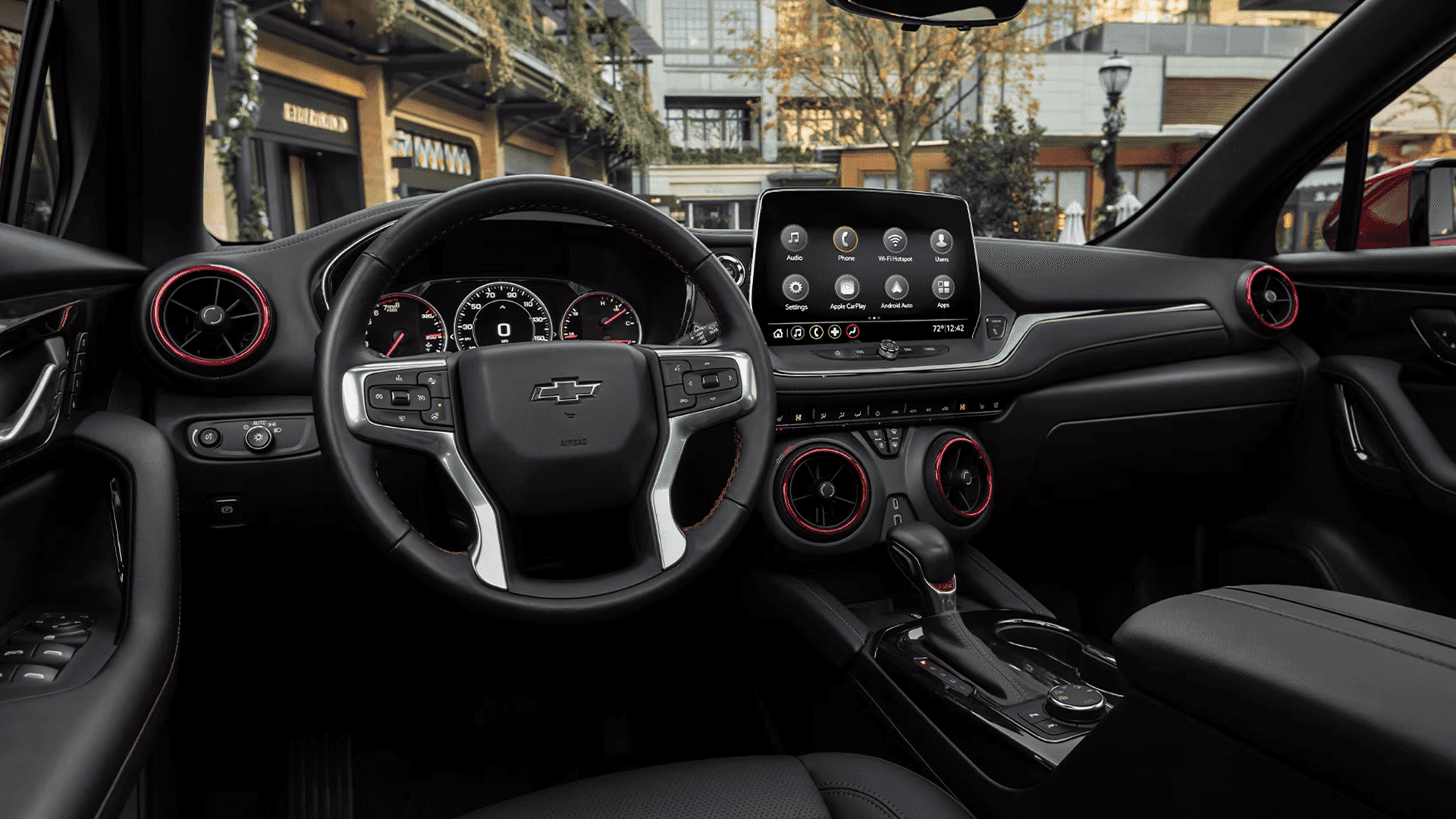
Blazer offers a driver focused cabin with an infotainment layout designed to keep key information and controls within easy reach. Feature availability varies by trim and equipment.
10.2 Inch Diagonal HD Touchscreen and Bluetooth
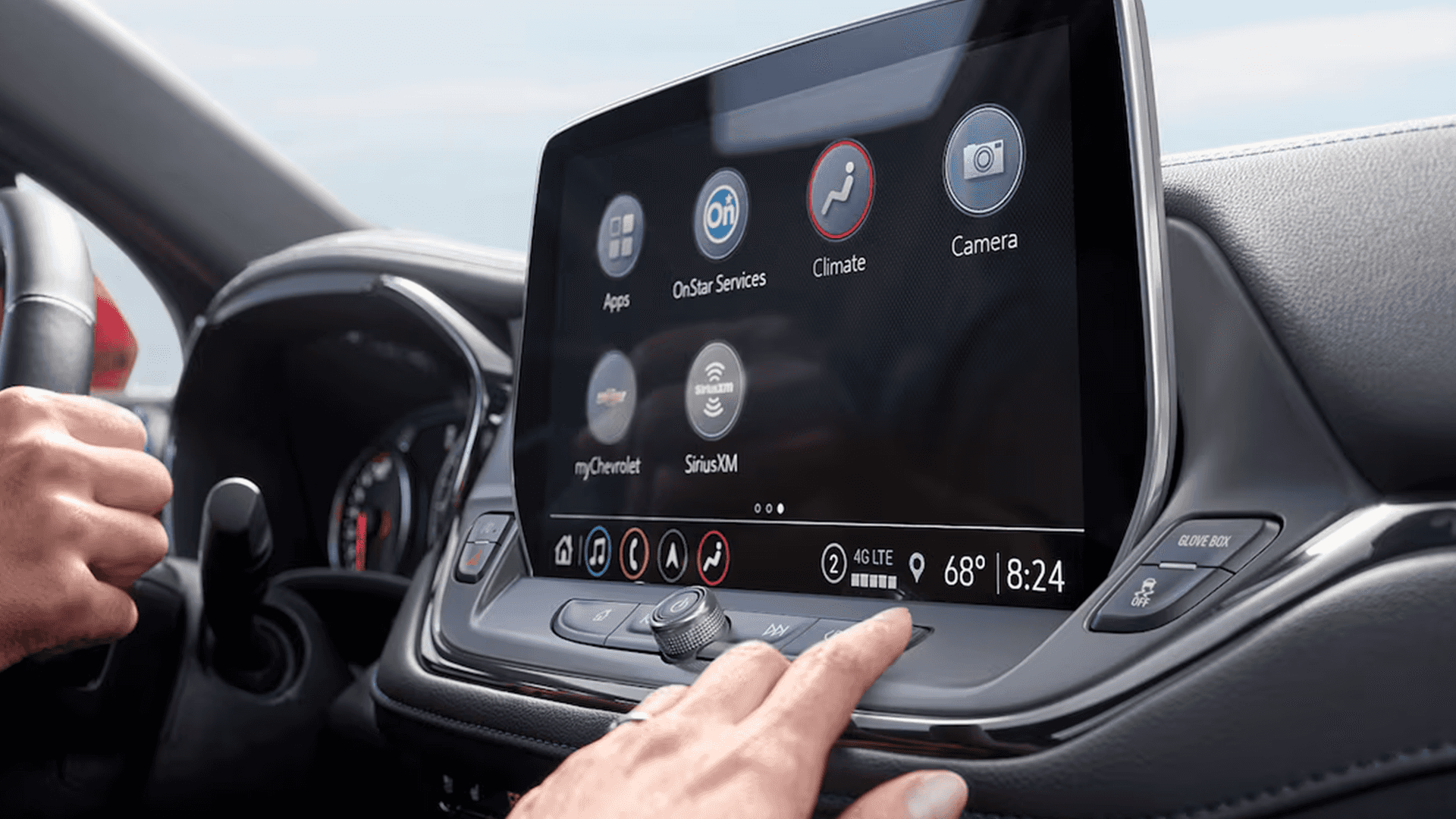
On equipped models, Blazer includes a 10.2 inch diagonal HD touchscreen paired with Bluetooth compatibility to support everyday communication and audio needs.
Highlights to Look For:
- 10.2 inch diagonal HD touchscreen on equipped models
- Bluetooth compatibility for supported devices
- Available SiriusXM capability on equipped models
- Availability varies by trim and equipment
Connected Services and In Vehicle Wi Fi
Blazer offers available connected features designed to keep you informed, entertained, and connected while on the go. Availability and service requirements vary by feature.
OnStar and myChevrolet App Features
On equipped models, OnStar and the myChevrolet mobile app can support select connected services and remote features, depending on account setup and plan requirements.
- Available OnStar connected services on equipped models
- myChevrolet app support for select features and vehicle information
- Available in vehicle Wi Fi Hotspot capability for supported devices
- Service availability depends on plan, device setup, and network conditions
Always follow Chevrolet guidance for enrollment, feature use, and limitations.
Driver Assistance Technology
Blazer offers advanced safety and driver assistance features designed to help support driver awareness. These features assist the driver and do not replace attentive driving.
Chevy Safety Assist and Driver Confidence Package
Blazer includes Chevy Safety Assist along with a standard Driver Confidence Package that adds additional alert and parking related features. Feature operation depends on conditions.
- Chevy Safety Assist suite on equipped models
- Standard Driver Confidence Package on Blazer
- Available driver assistance options vary by trim
- Driver attention is required at all times
Always follow the Owner’s Manual and use driver assistance features only when conditions are safe.
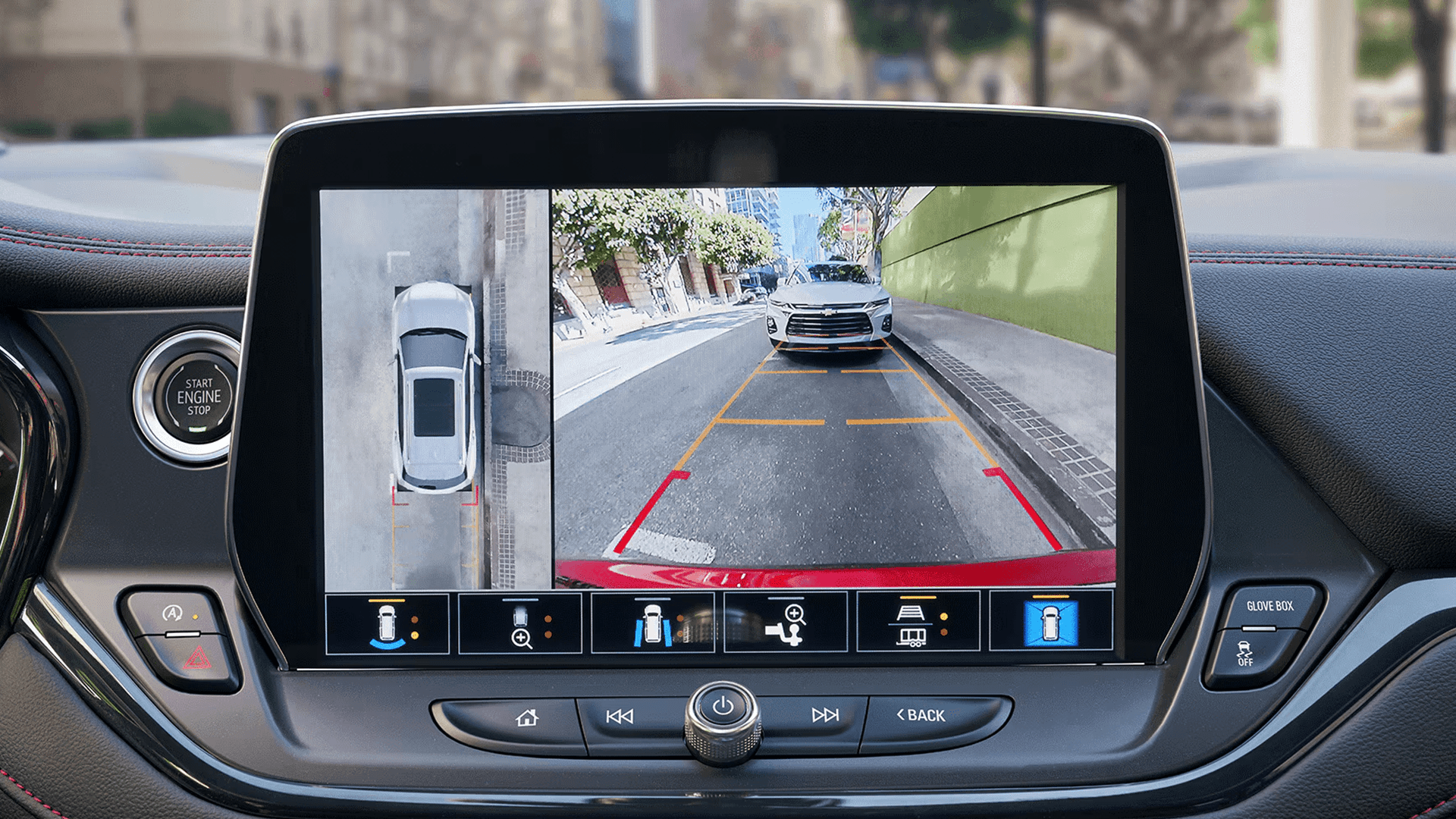
Parking and Visibility Technology
Blazer offers standard and available features designed to support awareness when backing up or maneuvering in tighter spaces. Availability depends on trim and equipment.
Standard Driver Confidence Package Parking Features
- Rear Park Assist included with the standard Driver Confidence Package
- Rear Cross Traffic Alert included with the standard Driver Confidence Package
- Lane Change Alert with Side Blind Zone Alert included with the standard Driver Confidence Package
- Availability varies by trim and equipment
Always check your surroundings and use mirrors and direct vision when parking or reversing.
Charging and Cabin Convenience
Blazer offers practical tech designed to support everyday comfort and device needs. Availability depends on trim and equipment.
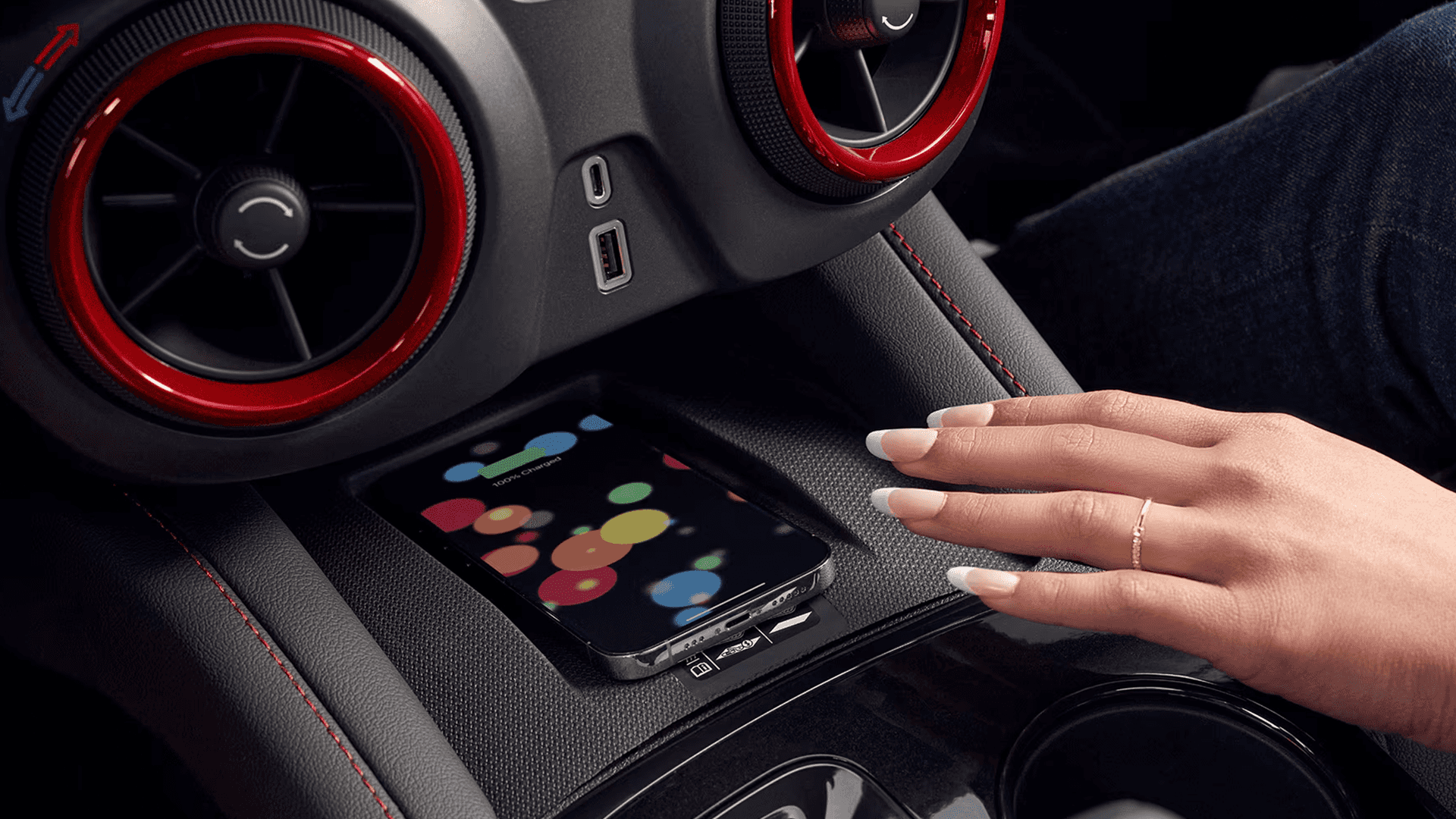
Available Wireless Charging and USB Ports
- Available wireless phone charging on equipped models
- USB C and USB A ports for device connectivity
- Remote Start is standard on Blazer
- Availability varies by trim and equipment
Always follow safe use guidance and avoid interacting with vehicle features in a way that distracts from driving.
Available Convenience Tech Features
Blazer offers available features that can add convenience and confidence on longer drives and daily commutes. Availability depends on trim and equipment.
Convenience Tools You Can Shop For
- Available in vehicle Wi Fi Hotspot capability on equipped models
- Available OnStar connected services on equipped models
- Available driver assistance options such as Adaptive Cruise Control on equipped models
- Availability varies by trim and equipment
Ask our team to help you compare Blazer trims and available packages.
Browse Current Inventory
Explore our available selection and find the right fit for your needs. Inventory updates regularly, so check back often for the latest availability, trims, and options.
Contact Us
Questions or want to schedule a test drive?
Give us a call or send us a message below.
Frequently Asked Questions
Does the 2026 Chevy Blazer have a 10.2 inch touchscreen?
Yes. Blazer includes a 10.2 inch diagonal HD touchscreen on equipped models, with Bluetooth compatibility. Availability may vary by trim.
Is Remote Start standard on the 2026 Chevy Blazer?
Yes. Remote Start is standard on Blazer. Always follow the Owner’s Manual for safe use and limitations.
Does the 2026 Chevy Blazer offer an in vehicle Wi Fi hotspot?
Yes. Blazer offers an available in vehicle Wi Fi Hotspot that can connect multiple devices within range. Availability and service plan requirements apply.
What is included with Chevy Safety Assist on the 2026 Chevy Blazer?
Blazer includes Chevy Safety Assist, a suite that can include Automatic Emergency Braking, Front Pedestrian Braking, Lane Keep Assist with Lane Departure Warning, Forward Collision Alert, Following Distance Indicator, and IntelliBeam. Feature availability and performance depend on conditions.
What is in the standard Driver Confidence Package on the 2026 Chevy Blazer?
Blazer includes a standard Driver Confidence Package that includes Lane Change Alert with Side Blind Zone Alert, Rear Park Assist, and Rear Cross Traffic Alert. Availability may vary by trim.
Is wireless phone charging available on the 2026 Chevy Blazer?
Yes. Wireless phone charging is available on Blazer. Availability depends on trim and equipment, and device compatibility may vary.
